TimeDisplayMode

The Time Chart (and its scale, the Header Control) is organized in columns. The meaning of one column can be one of the following:

The currently active meaning of one column can be changed by the application: When calling the Init() method of the NtTimeChartControl you set the initial value for the TimeDisplayMode. Later you can adjust it at any time by calling one of the SetTimeDisplayMode() overloads. When doing so, you must pass a parameter of type TimeDisplayMode. This is an enumeration, which is defined like this:
 

public enum TimeDisplayMode { fivemin, quarterhour, hours, quarterday, days, months }


Example
 
A typical call to SetTimeDisplayMode() might look like this:
 

ntTimeChartControl.SetTimeDisplayMode(TimeDisplayMode.quarterhour, 90, ntTimeChartControl.ClientSize.Width / 2);


This call sets the TimeDisplayMode for the Time Chart and also the optional parameters for the column width in pixels and the horizontal location of the fixpoint.
 
You can retrieve the current TimeDisplayMode by calling NtTimeChartControl.GetTimeDisplayMode().
 
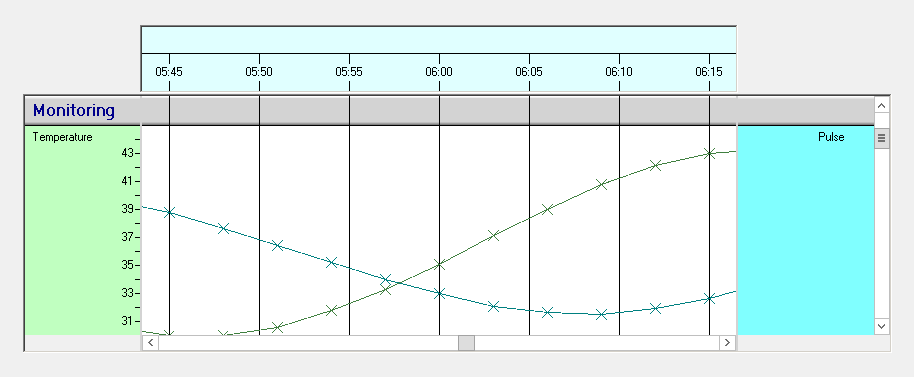
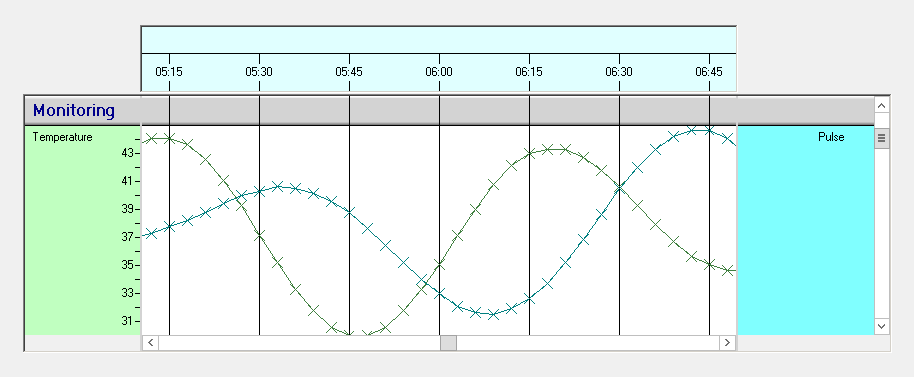
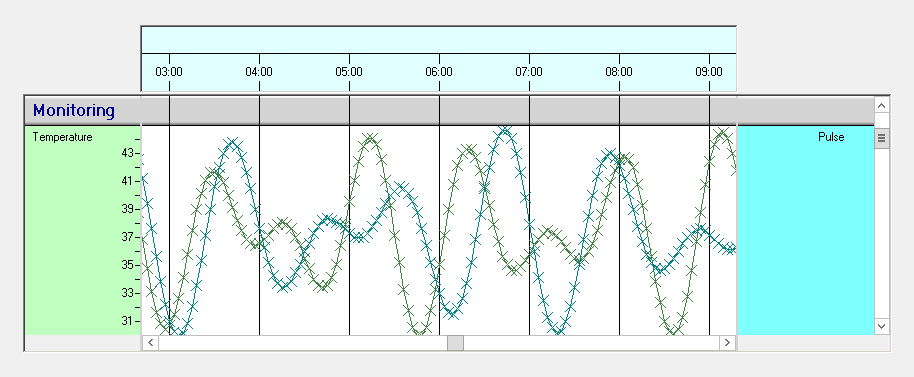
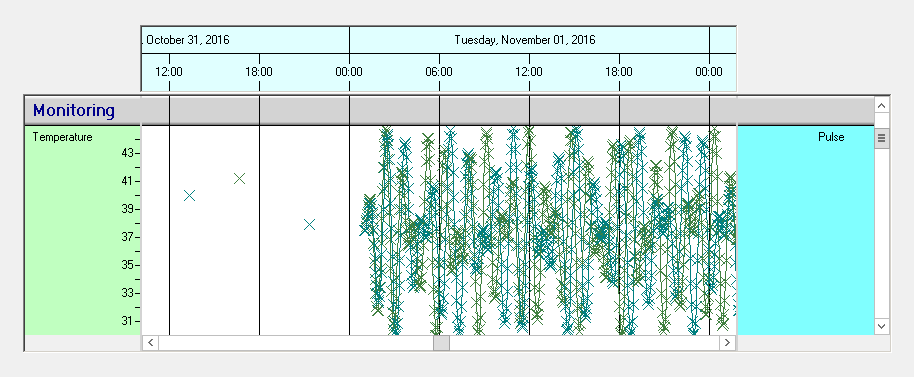
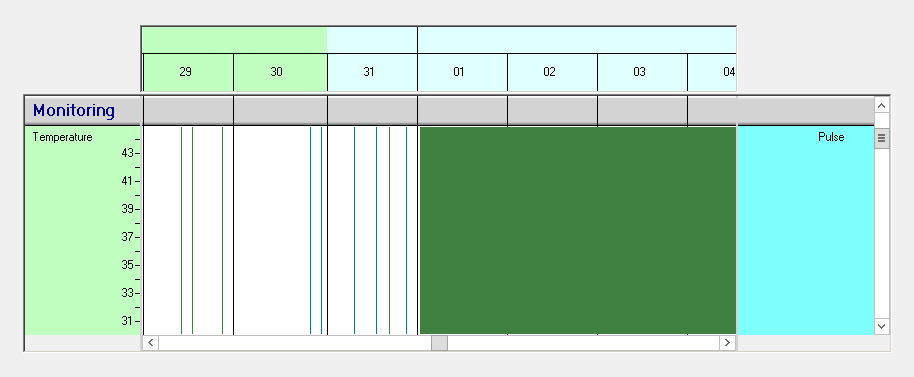
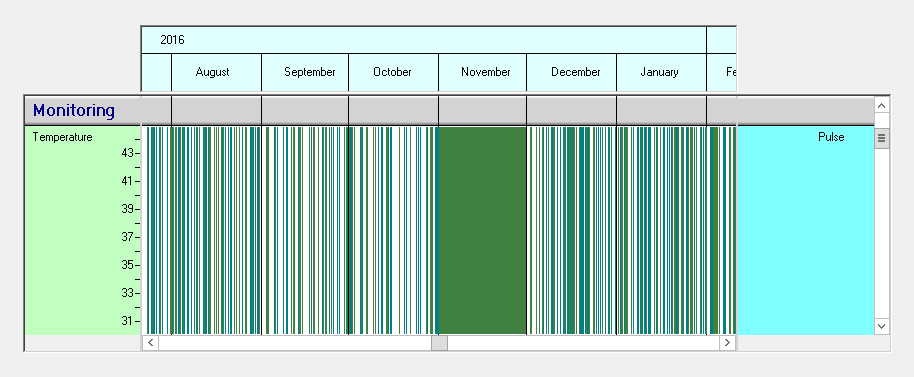
Below there is a table with exemplary screenshots of the various TimeDisplayModes:
 

TimeDisplayMode Screenshot
fivemin
quarterhour
hours
quarterday
days
months

See also:

NtTimeChartControl.SetTimeDisplayMode()