
Nateo Concept: Tooltips
Regular Tooltips and HTML Tooltips
Users can move the mouse cursor over any object that is visible. When this happens, the
- If
NtDisplayDef.tooltipType is 0 then no tooltip is being created at all. - If
NtDisplayDef.tooltipType is 1 then the text that is being returned byNtGetTooltipText() is used as a regular tooltip. - If
NtDisplayDef.tooltipType is 2 then the text that is being returned byNtGetTooltipText() is used as a HTML string that is rendered as a HTML page.
Please see the screenshot overlay below: A NtTimeChartControl showing pressure and temperature curves. The data type temperature
is configured by its
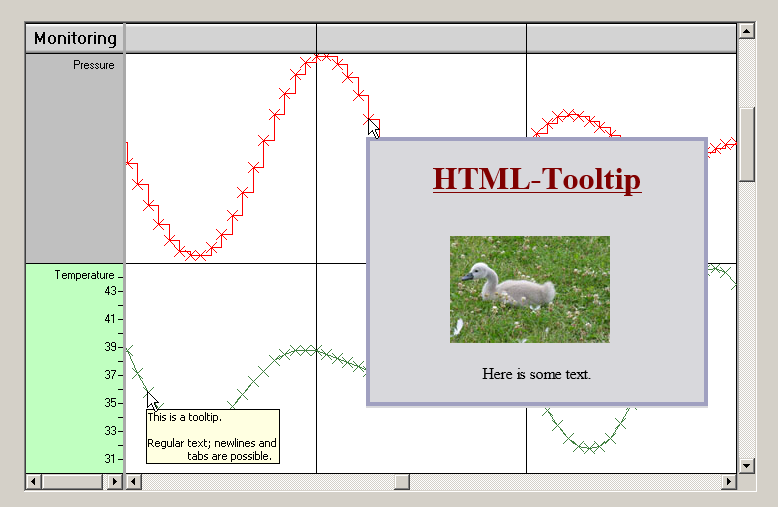
This example shows that you can design powerful tooltips using html. The only thing you need to be aware of is that HTML tooltips require more calculation power.
<< Prev.: Curve Plots Next: Initialization >>