
NtDisplayDef.preferredRowHeight Member
The preferred row height is the vertical space that suits best for a certain method of showing data. For example if you want to indicate the occurance of certain events symbolically by icons and these icons are all
of size 32x32 you might prefer a row height of 38 pixels for a good view.
The actual height of a row is being defined by the NtPerspective which holds one NtRowPerspective per row.
This NtRowPerspective has a member
Now it might happen that you want to show different types of data within one row. In this case you have to decide what the appropriate row height is. In most cases this will be the maximum of all
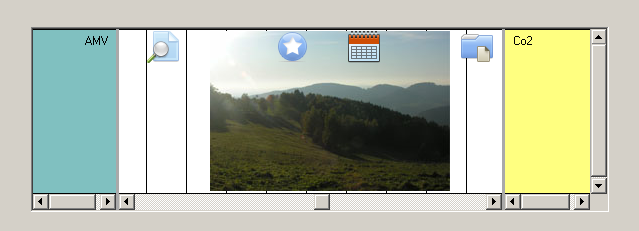
Below please see an example which actually is of poor style: Bitmaps are being combined with icons in one row what leads to a reduced clearity of the information:
Important: If you want to change the height of a row any time during use of the NtTimeChartControl you never do this via this member
Type:
Remarks:
This value should be set upon initinalization and not be changed any more.
See also: