
NtHeaderControl.SetTimeUnitNames Method
The Header Control is able to pop up a small window containing a dropdown that allows to change the TimeDisplayMode. Users select the mode they want to use. Per default the selectable entries are
"5 Minutes", "15 Minutes", "Hours", "6 Hours", "Days", and "Months". These six strings can be changed by calling this method providing an array of six strings. By this you can change the naming of
the entries, just in case you want to have other strings or need to translate your application into another language.
The following image shows an example. Here the dropdown was translated into German language.
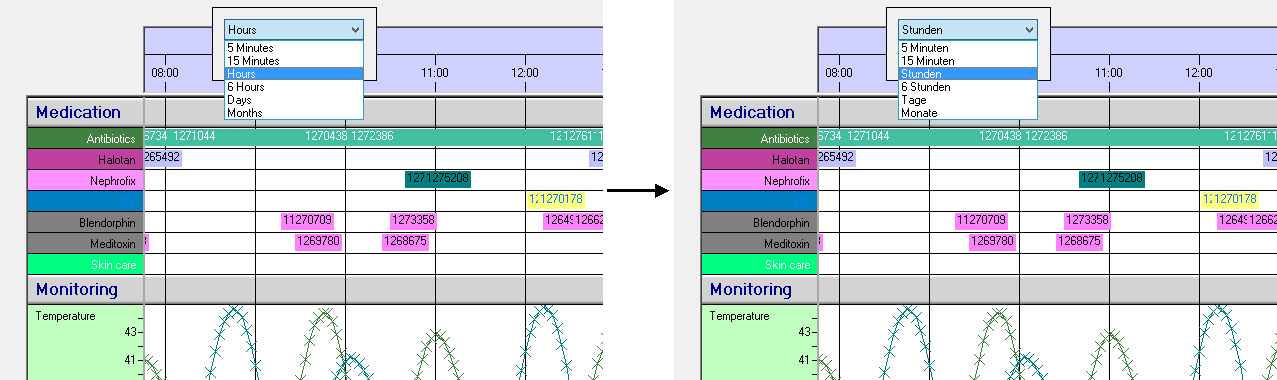
The translation was done by the following code (assuming you have a
Overload List:
| Modifier / Return Value | Name and Parameters | Description |
|---|---|---|
|
|
|
Setting the names of the entries. The order is relevant. |
Return value:
Parameters:
This is an array of strings that are used. It should have six entries.
See also: