
NtHeaderControl.calendarModePopupEnabled Member
The Header Control is your time scale. It scrolls along with the Time Chart. This means, if you move the Time Chart horizontally, the Header Control follows. And vice versa, you can scroll the Header Control
by dragging it with the mouse. Then the Time Chart follows.
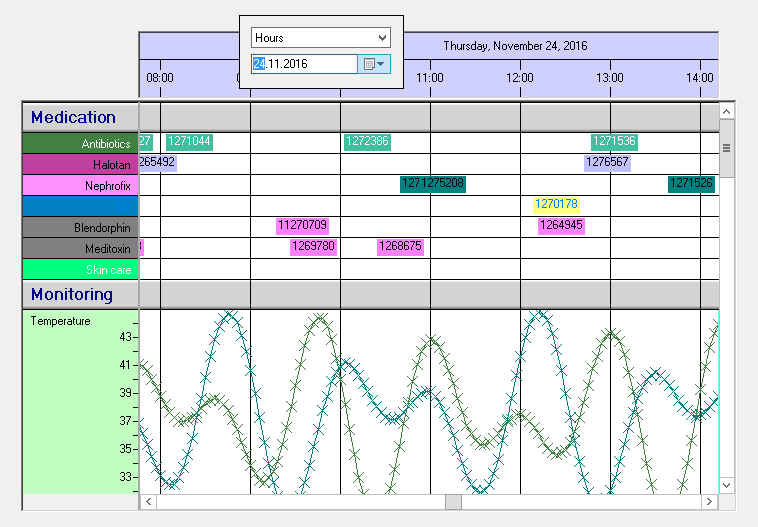
In addition to this you can right click onto the Header Control. This will pop up a small window containing a ComboBox and a DateTimePicker. These controls allow you to select a date you want to bring into visibility
and also select another TimeDisplayMode (which defines if a column represents 6 hours, a day, a month, etc.). Please see the following image for an example:
This bool member
Type:
Remarks:
The default value is true. It is ok to change it any time.
See also: